Nong Rak, the Story Writer — Building an AI Storyteller with Azure OpenAI
27 December 2023
/17 mins read
AI
ChatGPT
GPT
Microsoft Azure
Tell me the story
Azure OpenAI
Hello everyone! Welcome to Job/log!~
This is actually the very first post on my very first blog! 🎉
What is OpenAI?
I think we’re living in an era where everyone already knows what ChatGPT is — but what about OpenAI itself?
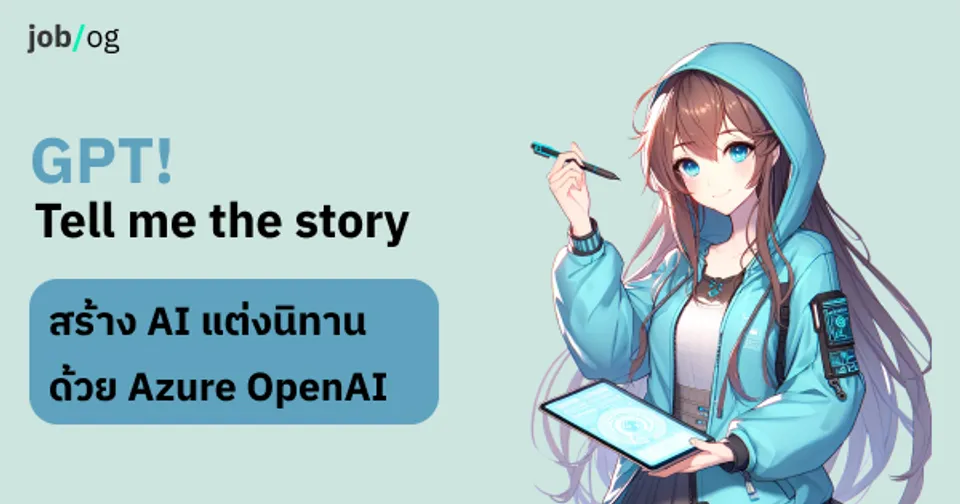
Simply put, OpenAI is an AI research organisation that develops artificial intelligence and makes it freely available to the public. They are the creators of ChatGPT — the incredibly smart chatbot — and DALL-E, an AI for generating images (like the character on the cover, which was created with DALL-E!).
GPT! Tell me the story!
Now, let’s get to our topic… What is GPT! Tell me the story?
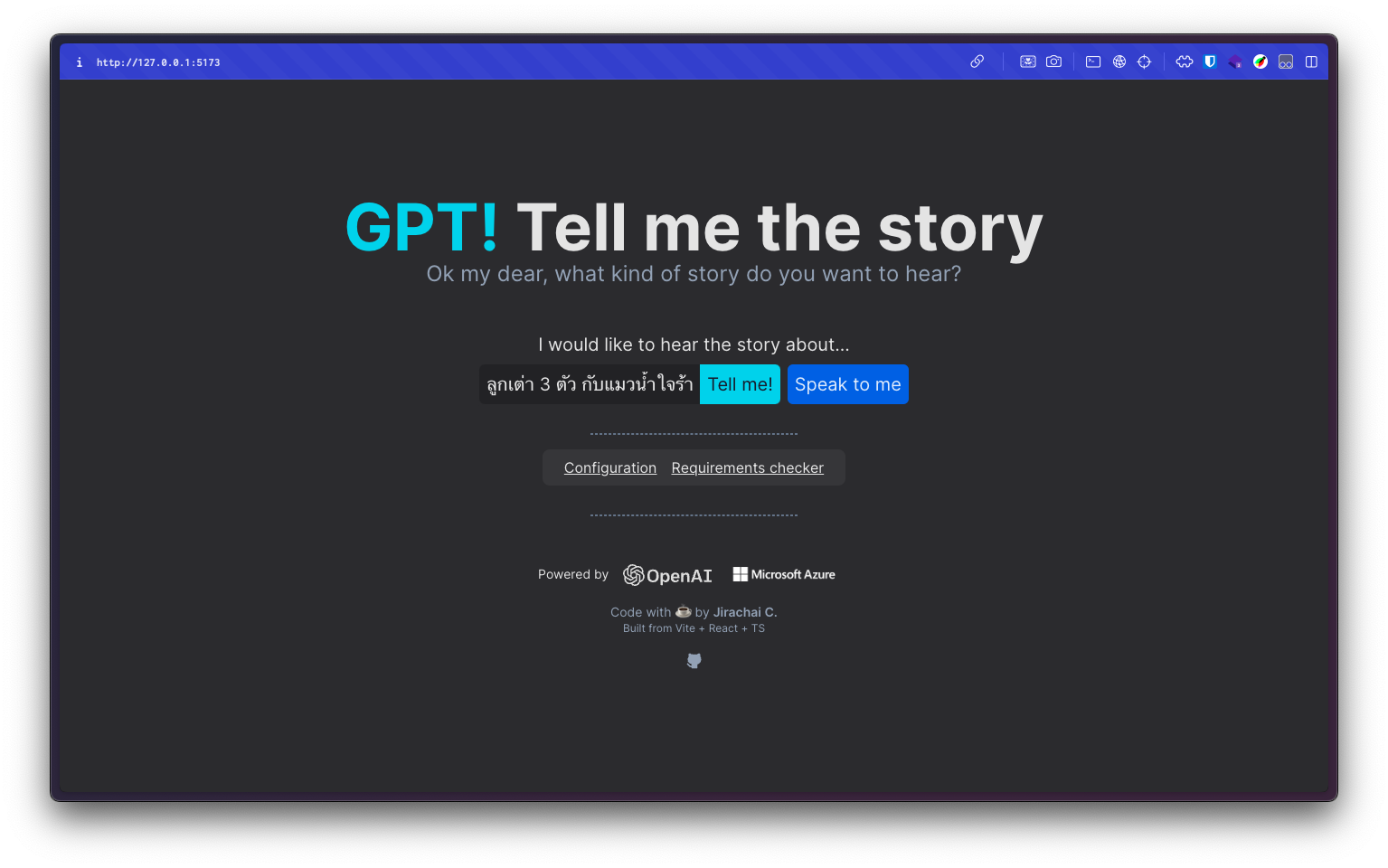
GPT! Tell me the story is actually my own personal side project (feel free to try it out — just bring your own Azure OpenAI Endpoint and API Key 🥲).
Some of you may have already seen it at various community events where I’ve given talks, or you might be a client I showed it to at some point.
I built this project to get a hands-on understanding of how to integrate Generative AI — specifically OpenAI — into a real product. Since my job involves consulting clients on technology, having actual hands-on experience is essential.
The app uses the GPT-3.5 model via Azure OpenAI to compose stories. You simply give it a short brief describing the kind of story you want. For example, if you want a story about three piglets and a pink seal, you might type: “Three little piglets and the evil pink seal”. Then our little storyteller (the name is a bit long — I’ll think of a new one later) will generate a unique story nobody has ever heard before.
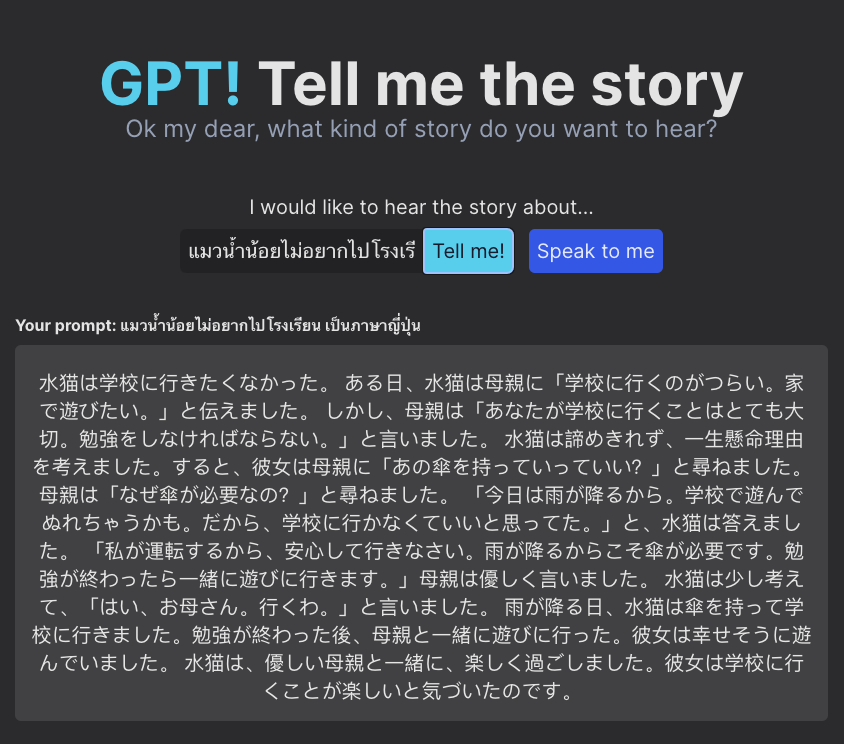
And because GPT is an LLM, it understands every language. That means you can input a prompt in any language — or even ask it to reply in a specific language — and it will craft the story accordingly.
Why a story writer?

As many of us know, LLM models like GPT are particularly good at creative tasks — writing articles, emails, novels, and yes, bedtime stories.
We noticed that kids often get bored of hearing the same old stories over and over again, and might enjoy something fresh and personalised — even starring themselves as the main character. And that is exactly how GPT! Tell me the story ✨🎉~~ came to life (yes, the name is a mouthful).
Azure OpenAI vs OpenAI — what’s the difference?
The post mentions that GPT! Tell me the story uses Azure OpenAI. So how is that different from plain OpenAI?
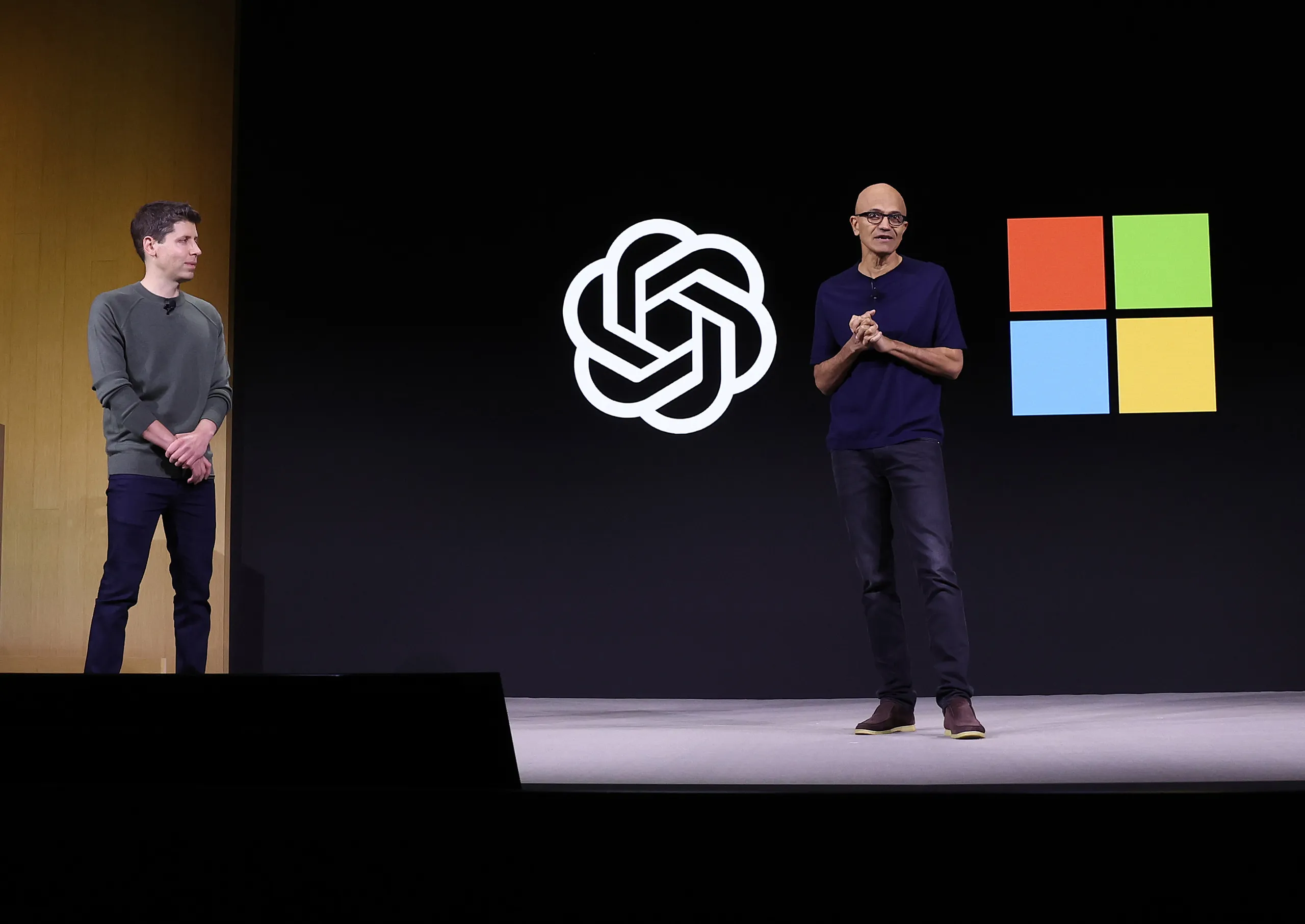
If you’ve been following the news, you’ll know that Microsoft has invested heavily in OpenAI and become a major partner.
(Read more — Microsoft and OpenAI Partnership)As part of that partnership, Microsoft provides Azure (its cloud computing platform) for OpenAI to run on.
This led Microsoft to launch a separate service called Azure OpenAI — built on top of OpenAI’s models — that lets you use GPT-4, GPT-3, Codex, DALL-E, and more, while adding enterprise-grade security, compliance features, and seamless integration with the rest of the Azure ecosystem.
(Read more — Comparing Azure OpenAI and OpenAI)
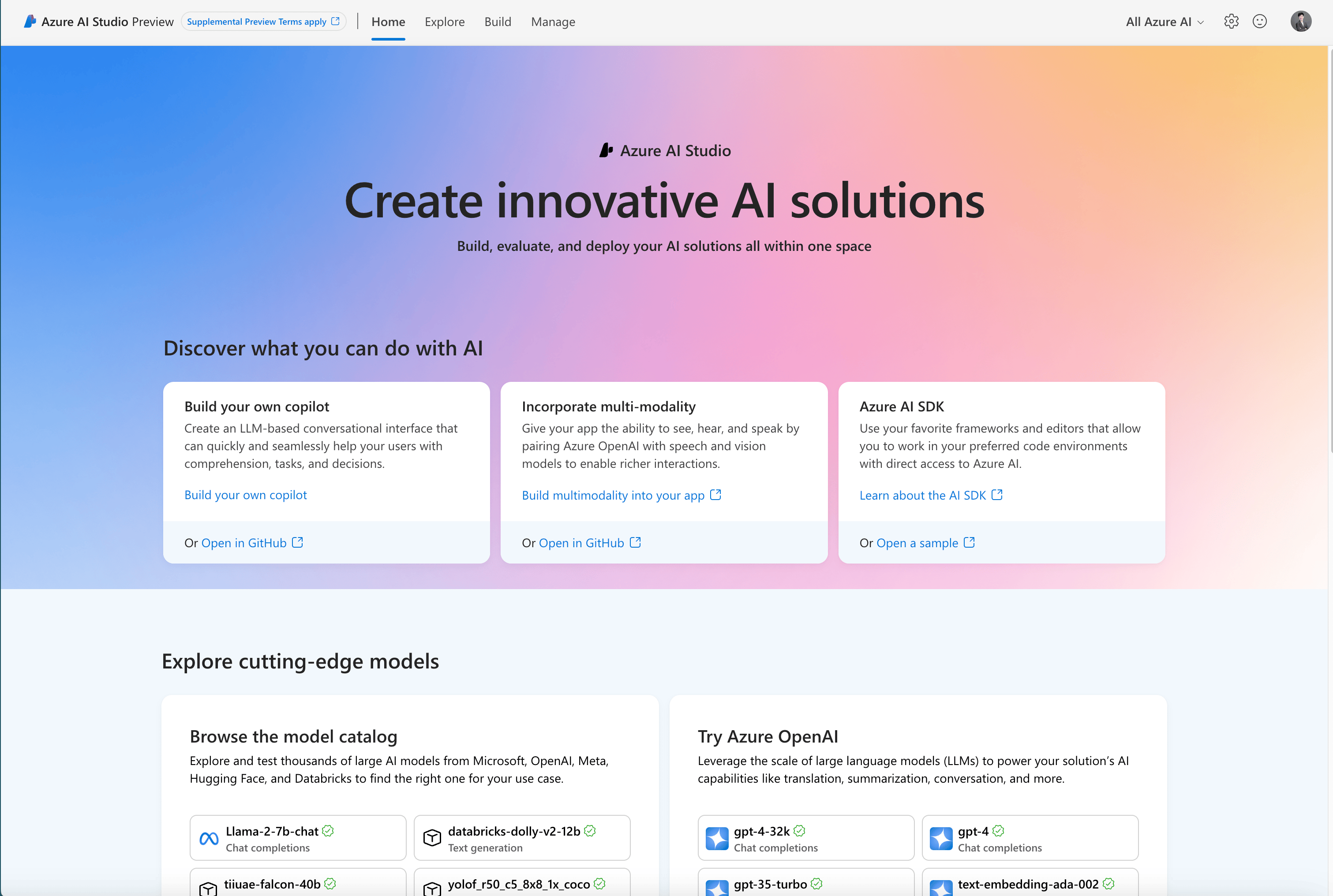
You can access it through Azure AI Studio.
How does GPT! Tell me the story work?
Now that we know Azure OpenAI and OpenAI are functionally the same — just different in terms of security, enterprise-readiness, and Azure integration — let’s look at the architecture.
(Confession: the real reason I used Azure OpenAI is that I work at Microsoft and Azure is literally our product 😬 — and it’s free for learning and PoC purposes.)
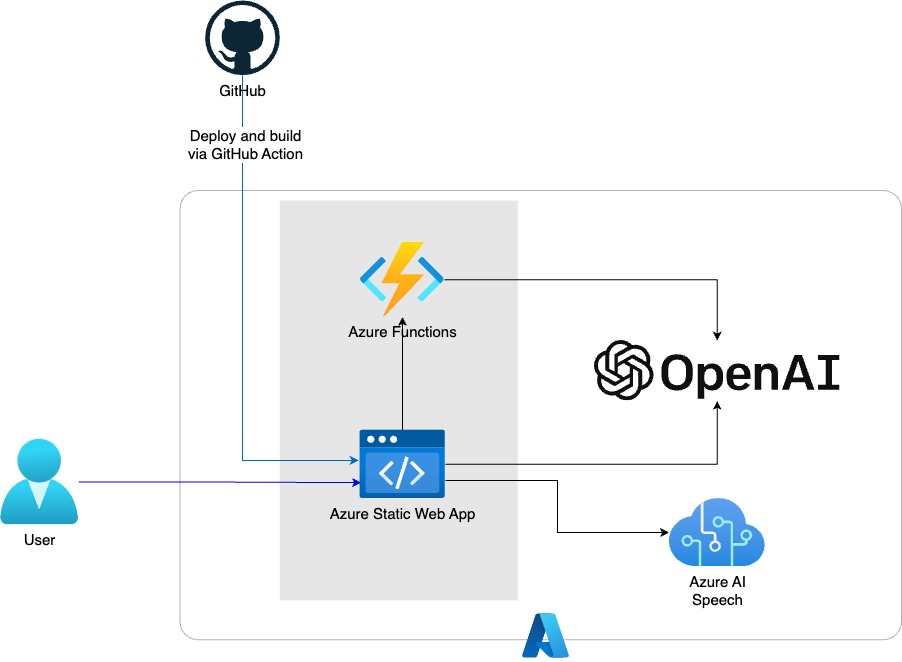
So how does GPT! Tell me the story connect to Azure OpenAI?
The stack is beautifully simple.
I built the frontend using React and Tailwind CSS, hosted on Azure Static Web App (SWA) — a service that lets you deploy a site with no servers at all, and plug it directly into GitHub with CI/CD via GitHub Actions.
Then I have an Azure Functions serverless proxy for calling Azure OpenAI (for certain routes)… though it’s still under construction, so I haven’t enabled it yet 🙈.
And of course the star of the show: Azure OpenAI with the GPT-3.5 Turbo completion endpoint.
Finally, a small but fun gimmick: Azure AI Speech — so our little storyteller can listen to what you say and convert it to text (speech-to-text), and read the story back to you (text-to-speech).
Services used
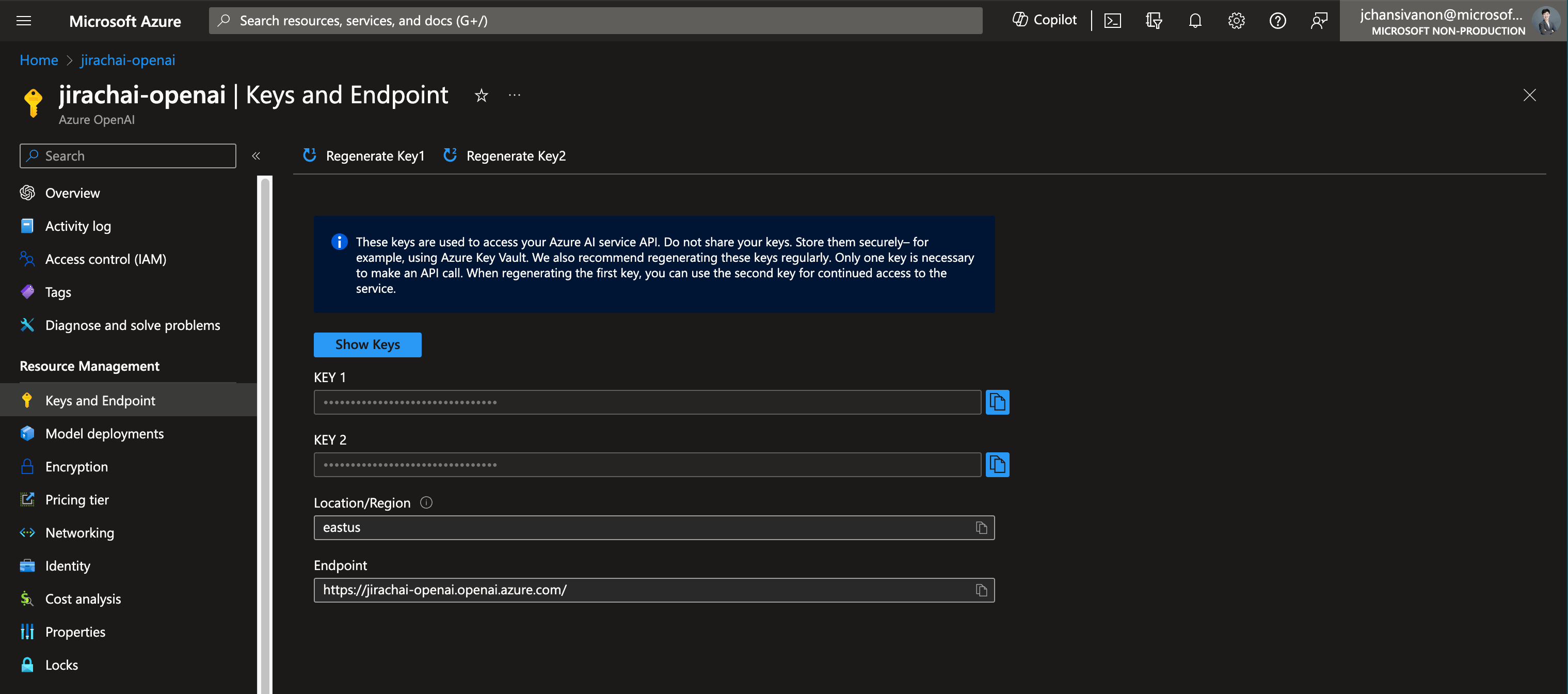
I provisioned the Azure OpenAI resource directly in the Azure Portal, then grabbed the API Key and Endpoint to paste into the app.
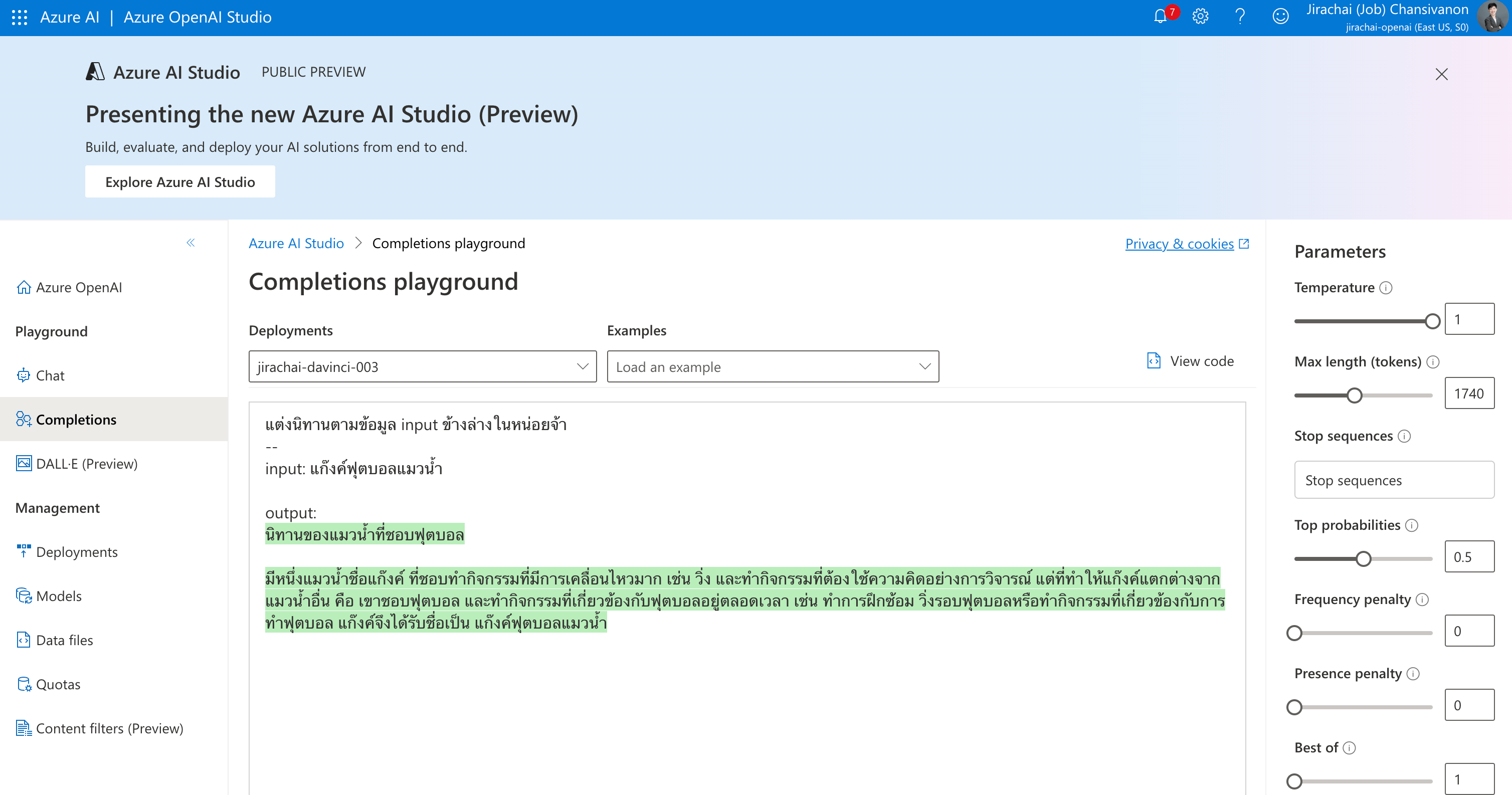
From there you can experiment in the Azure OpenAI Studio Playground:
Then it’s back to the code.
Azure OpenAI can be called via both an SDK and a REST API. The SDK supports C#, Go, Java, JavaScript, Python, PowerShell, and more — see the quickstart here.
When I started this project the service was brand new and the SDK wasn’t quite ready, so I went with the REST API directly.
Using the REST API is straightforward — just a standard HTTP POST with an Endpoint and a Body. The body mainly needs two things:
- System Prompt — a brief that tells GPT who it is, what it does, and what its constraints are.
- e.g. “You are a creative storyteller specialising in wholesome stories for children.”
- User Prompt — the actual story brief from the user.
- e.g. “A tiny green seal who never brushes its teeth.”
Pack them into an array like the example below and fire off a POST request.
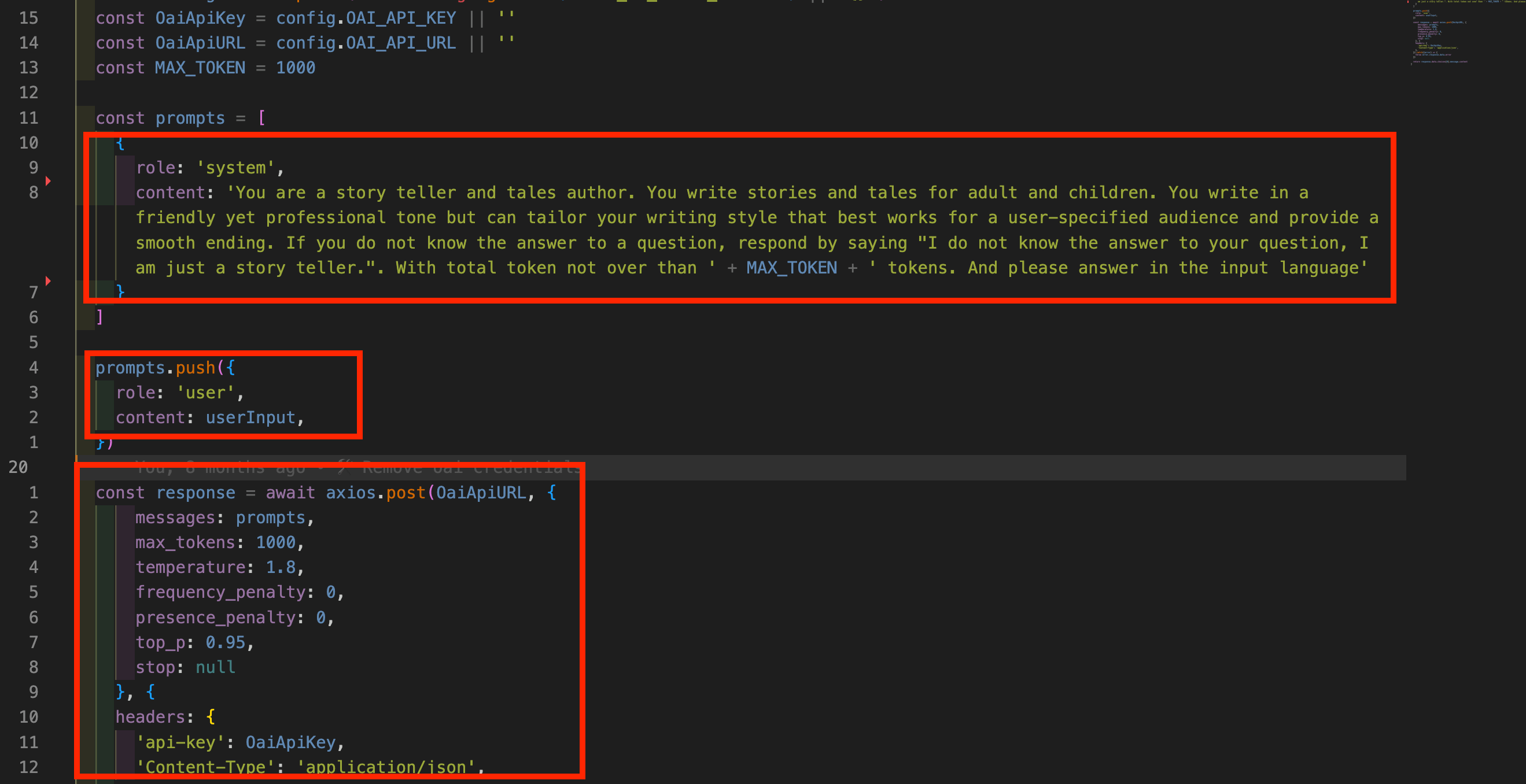
And here’s an example response:
{
    "id": "chatcmpl-8aNUHrBLljam0h8wop64nK4Q3pUD7",
    "object": "chat.completion",
    "created": 1703680785,
    "model": "gpt-35-turbo",
    "choices": [
        {
            "finish_reason": "stop",
            "index": 0,
            "message": {
                "role": "assistant",
                "content": "Once upon a time there was a tiny green seal unlike any other..."
            }
        }
    ],
    "usage": {
        "prompt_tokens": 137,
        "completion_tokens": 470,
        "total_tokens": 607
    }
}
And just like that, our GPT! Tell me the story is up and running! 🎉
Conclusion
The configuration used here isn’t fully optimised yet, but at the very least we’ve learned what it takes to call a completion endpoint with Azure OpenAI.
I hope you found something useful in this first post of mine. If there are any mistakes, I sincerely apologise!
Finally, here’s the repo — feel free to take a look, contribute, or open a PR:
And of course, feel free to keep following Job/log — see you in the next post! 🙏
P.S. If you’d like to buy me a coffee, feel free to click Become a sponsor 😬
by Jirachai C.